

GETTING STARTED
Create your first website QR
Add any website link, make a QR that opens it, preview your design, and download PNG or SVG when you are ready.
Dynamic QR & Smart Links Studio
Tap or click anywhere to continue

Put the next step on a truck, property sign, counter card, invoice, event piece or guest Wi‑Fi sign.
 CodeMarkr
Create free Static QR codes for everyday use. Go Dynamic when you need to change what a printed code opens, manage the campaign, and understand what happens after the scan.
Make a QR for a website, guest Wi-Fi, an event or the next thing you want people to do. Choose Dynamic when you need to update a destination after printing.
Learn QR. Build smarter. Go further.

Download your QR. Give it a place to work.

All social handles, storefronts & VIP call buttons in 1 QR

See scans, top locations, devices and timing in one place

Pick the action first. You can choose Static or Dynamic on the next step.
Tap the platform you want this direct QR to open. If it is not listed, choose Custom and paste the full profile link.
Enter the destination below, then choose Static or Dynamic.
Static keeps the scan direct. Dynamic gives you editable destination control and analytics later.
Opens directly. The destination stays fixed after printing.
Preview changes on this device. Public dynamic links, access protection and scan reporting connect with your backend.
Choose the look that fits your brand. Readability comes first.
The three finder markers help cameras lock onto the code.
Open My Codes to choose a saved QR, or create your next one.
Target Scanned Destination
https://codemarkr.com
For web, social, menus & print
Scalable QR artwork for print
Copy this code's encoded content
Stickers, Wi-Fi cards & signs
Choose a print template. Add a code from My Codes or upload your own, then make it yours.
Guest Wi-Fi, menus, counter cards and stickers. Your QR stays the same; its presentation is up to you.
Your saved QR library. Manage Dynamic destinations, review activity, export files, or keep Static codes exactly as created.
That is the main advantage of a Dynamic QR: update the destination without replacing the decal, sign, flyer or card.
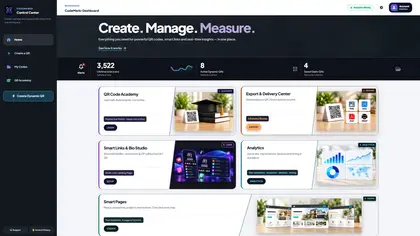
Manage this QR and its destination.
Rename it, change what it opens, pause it, export it or check performance from here.
You can rename, duplicate and export it. Create a new code to change its content.
Start with what you want people to do: visit your website, connect to guest Wi-Fi, save a contact, order from a menu, or open a thoughtful greeting.
Choose a QR type, add your details, make it yours, and test the result. You control the next step. The short video walkthroughs below show you how to put it all together.
Welcome a guest, share your menu or send a personal greeting. See how it works, then make it yours.
Add any website link, make a QR that opens it, preview your design, and download PNG or SVG when you are ready.
Choose your guest network, create the QR, then make an Estate welcome print that feels right at home. Watch the real 8 × 10 come together.
Choose a template, add your own message, preview the animation, and download the QR artwork.
Use the angled orange Order Here frame to show guests where to find your menu.
Some recordings show an earlier layout. Follow the named controls in your workspace.
QR means Quick Response. It's a two-dimensional barcode that stores information in a grid of squares. Your phone camera reads the pattern, decodes the information, and offers the next action—open a website, add a contact, connect to Wi-Fi, or show a message.
A Static Wi-Fi code can carry the network details itself. A Dynamic website code carries a managed address, so you can update the destination in My Codes and see its scan activity.
Both start with a scan. One stores a direct link or details; the other gives you control over where that scan goes later.
Your link or details are stored directly in the QR code.
A managed link takes each scan to your chosen destination.
Change what opens, not what you printed. For a managed Dynamic QR, update the destination instead of replacing the sign.
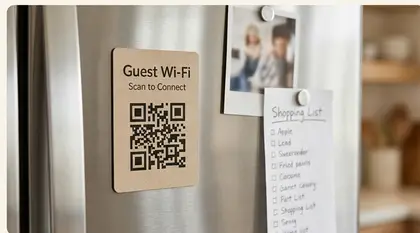
A direct Wi-Fi QR shares stable network details. A Dynamic Wi-Fi QR opens a welcome page with details guests can copy; a web page cannot automatically join the network.
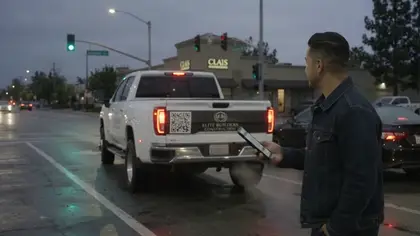
Your parked vehicle can introduce the business. Update its contact destination or promotion and compare the scan activity it attracts.
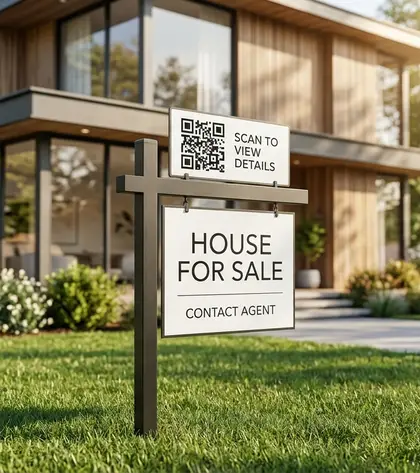
Refresh the property page as listings change. Scan activity shows interest in the placement; it does not identify a buyer or count a completed sale.
Dynamic publishing and live reporting are coming soon. Explore them here with sample campaigns.
Turn a thank-you, birthday wish or holiday surprise into an animated greeting. Choose from ten occasions, add your message and signature, and include an optional gift or payment link. Leave the link blank for a simple personal greeting.
A thoughtful finishing touch for a card, package, client thank-you or celebration.
Choose the action first, then decide whether it should stay permanent or remain editable later. Static is ideal for direct actions such as Wi‑Fi, phone, text and saved information. Dynamic adds destination control and analytics when the campaign needs to change after printing.
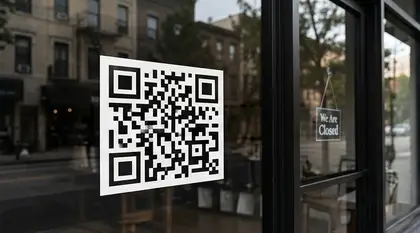
Website links, menus, pay links, offers and landing pages.
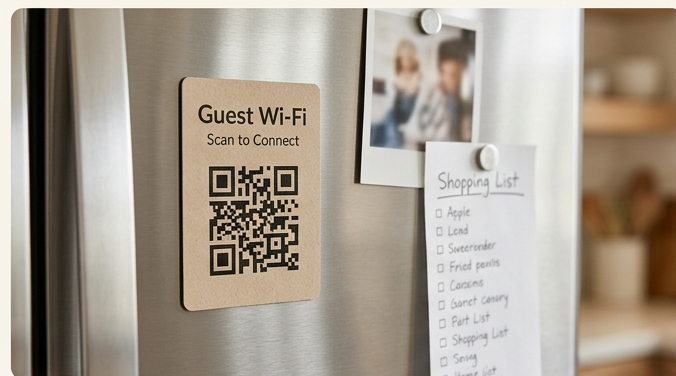
Connect guests without making them type a password.
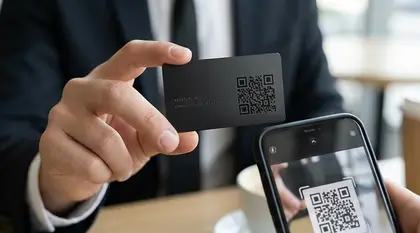
Save a person or business straight into the phone.
Open a drafted email with the recipient and topic ready.
Open a prefilled text message ready to send.
Open the phone dialer with the correct number ready.
Open directions, a place, a parking point or jobsite.

Share tickets, RSVP details, schedules and event information.
Send people to one social profile with one scan.
Store a short message directly or open a hosted document or download.

Make a thank-you feel personal. Celebrate a birthday, share a holiday surprise or send a custom message.
Explore 30 real-world ideas, then make the QR that fits your goal. You create the code in CodeMarkr and add it to your own tags, signs, cards or other materials.
Vehicles, parking, shipping and outdoor placements that move people from attention to action.
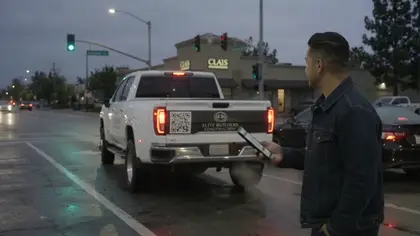
A large truck or service-van QR that turns stopped traffic attention into a quote, call, pay link or gallery.
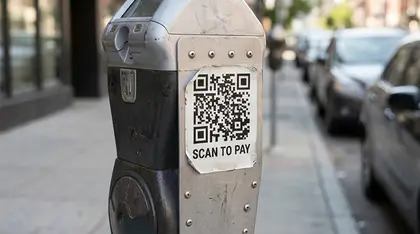
Scan at the curb to pay or extend parking without hunting for an app.
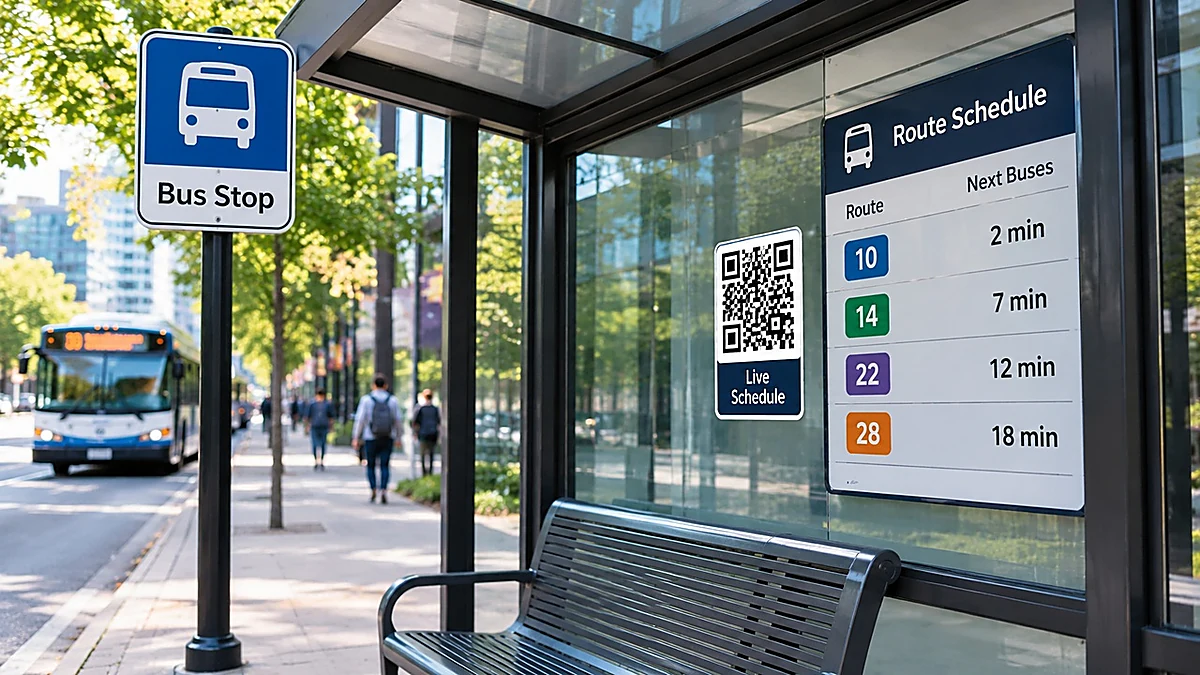
A shelter QR that opens current routes, detours and ticketing.
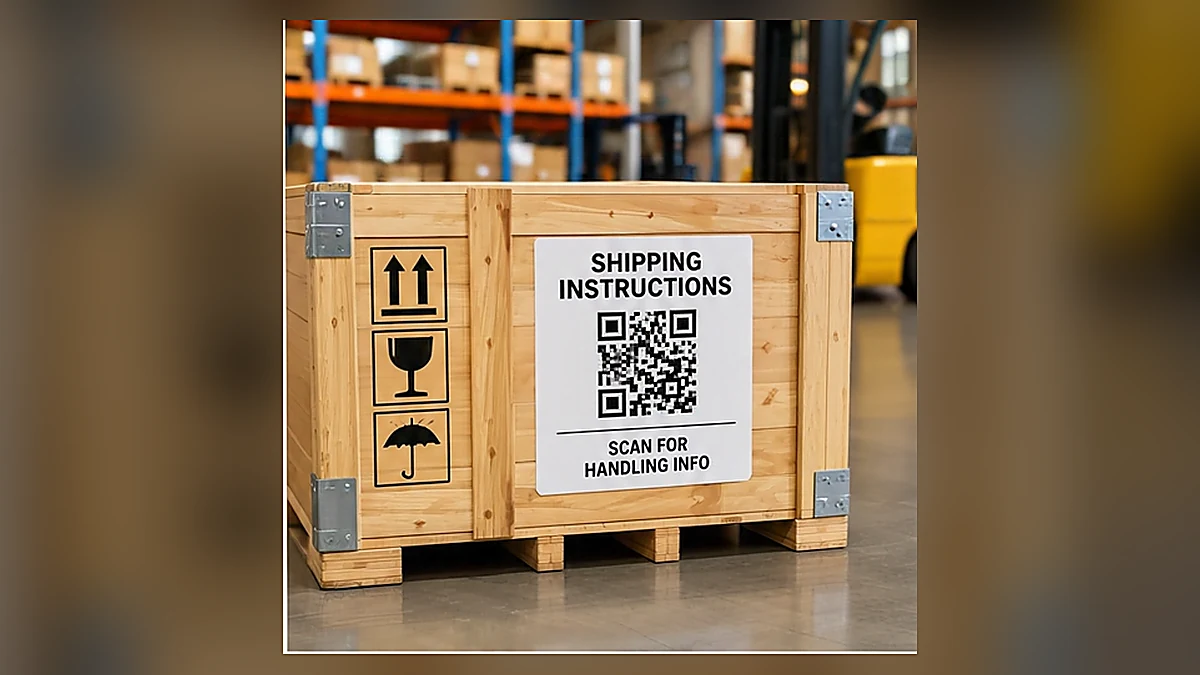
A crate label that opens handling instructions, manuals or delivery proof.
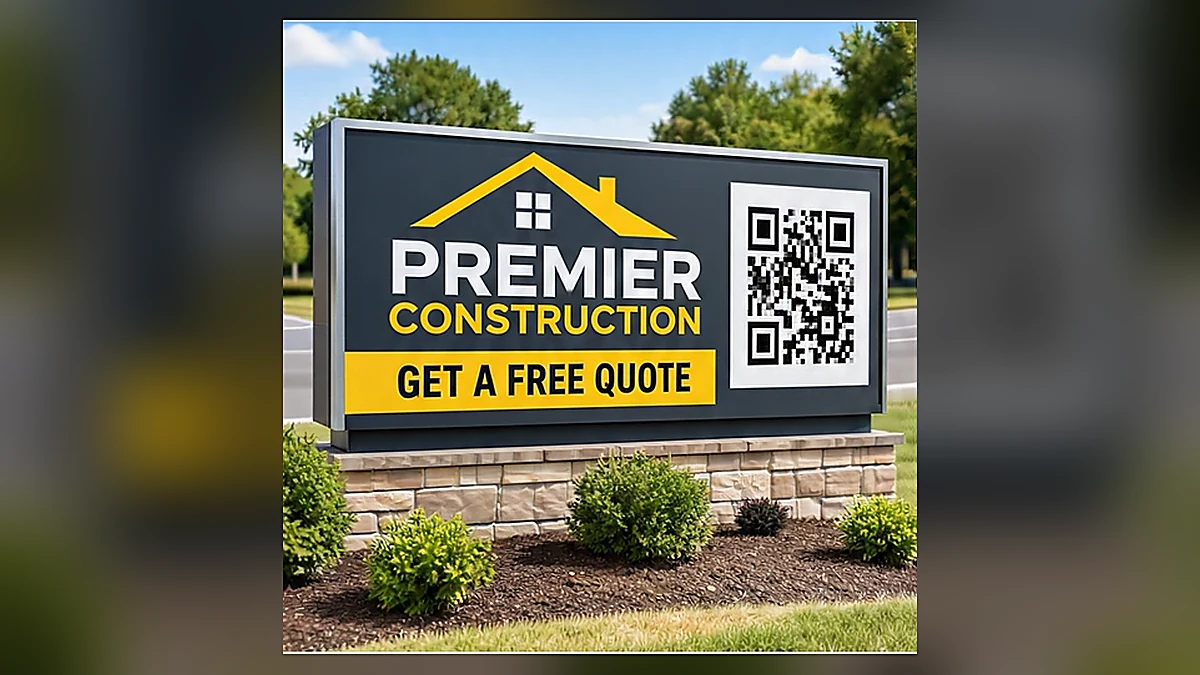
A large outdoor QR that moves people to a simple offer or campaign landing page.
Menus, ordering, product information, reviews and checkout moments that work right where customers already are.
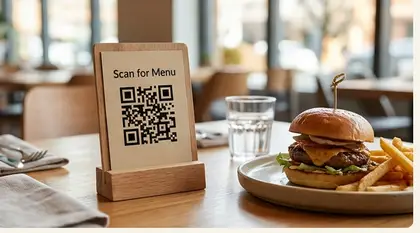
A tabletop QR that opens a menu, ordering flow, waitlist or daily special.
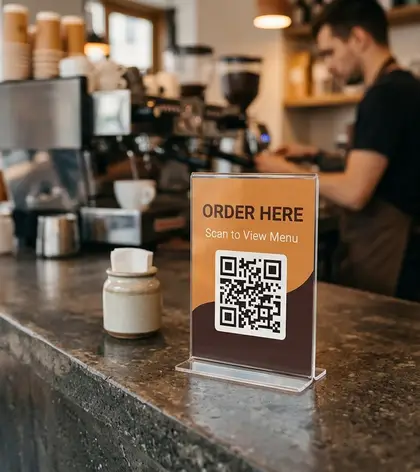
A checkout or service-counter QR for ordering, tips, loyalty or quick signup.
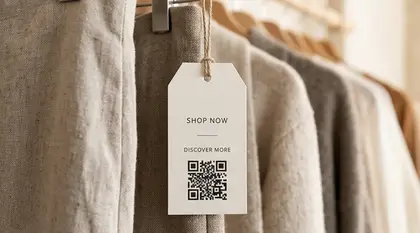
A product tag that opens sizing, care, how-to video or checkout.
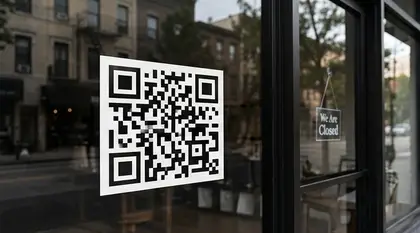
Window vinyl that keeps the store useful after closing: browse, buy, call or book.
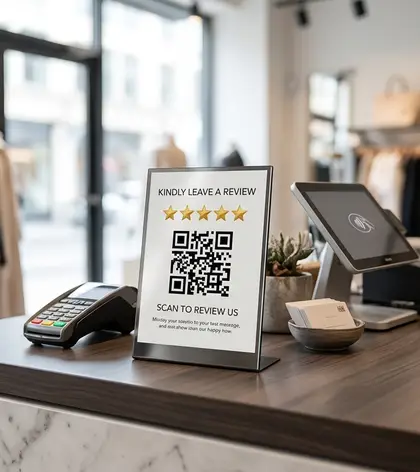
A receipt QR that takes the customer straight to feedback or a review page.
Payments, contacts, listings and service information built for contractors, sales teams and field work.
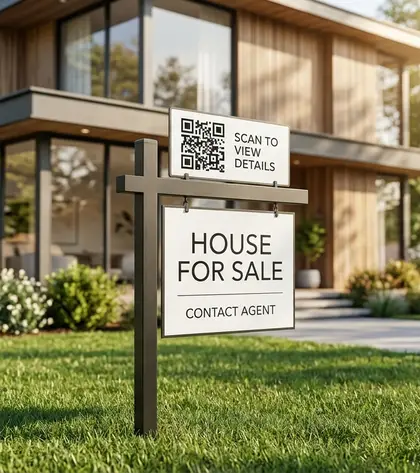
A real-estate or contractor sign QR that opens the listing, project page, map or contact.
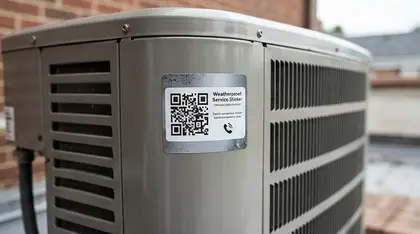
A permanent equipment sticker that opens service history, maintenance help or scheduling.

A badge QR that hands over a contact card, calendar link or business profile.
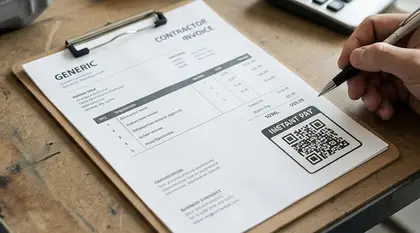
A printed invoice QR that opens the exact payment page in one scan.
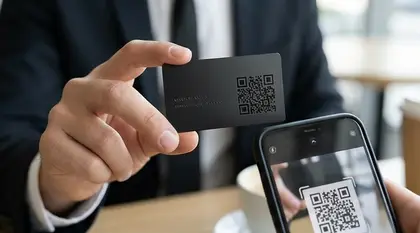
A premium business card QR for fast contact saving and follow-up.
RSVPs, schedules, giving, directions and event details that stay easy to reach from print.

A lanyard QR for badge details, schedules, lead capture or session links.
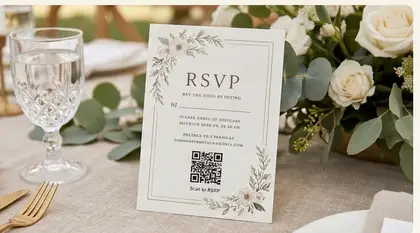
A mailed or table-card QR that opens RSVP, registry and travel information.
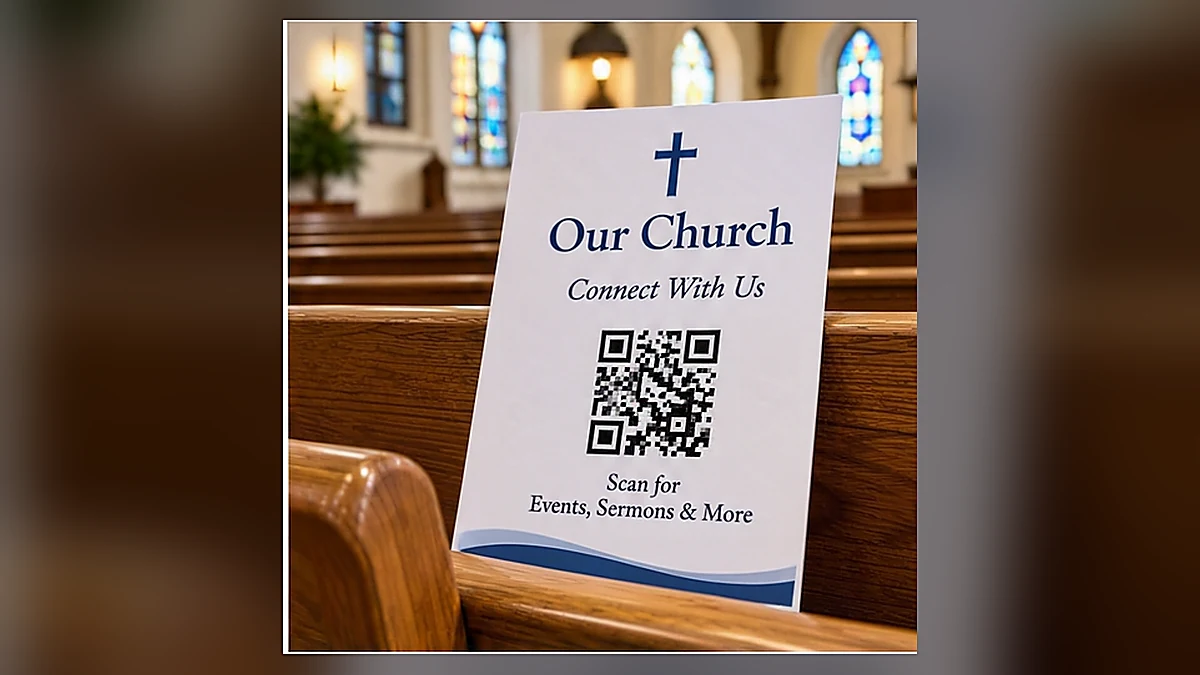
A bulletin QR for sermon notes, giving, event signup or prayer requests.
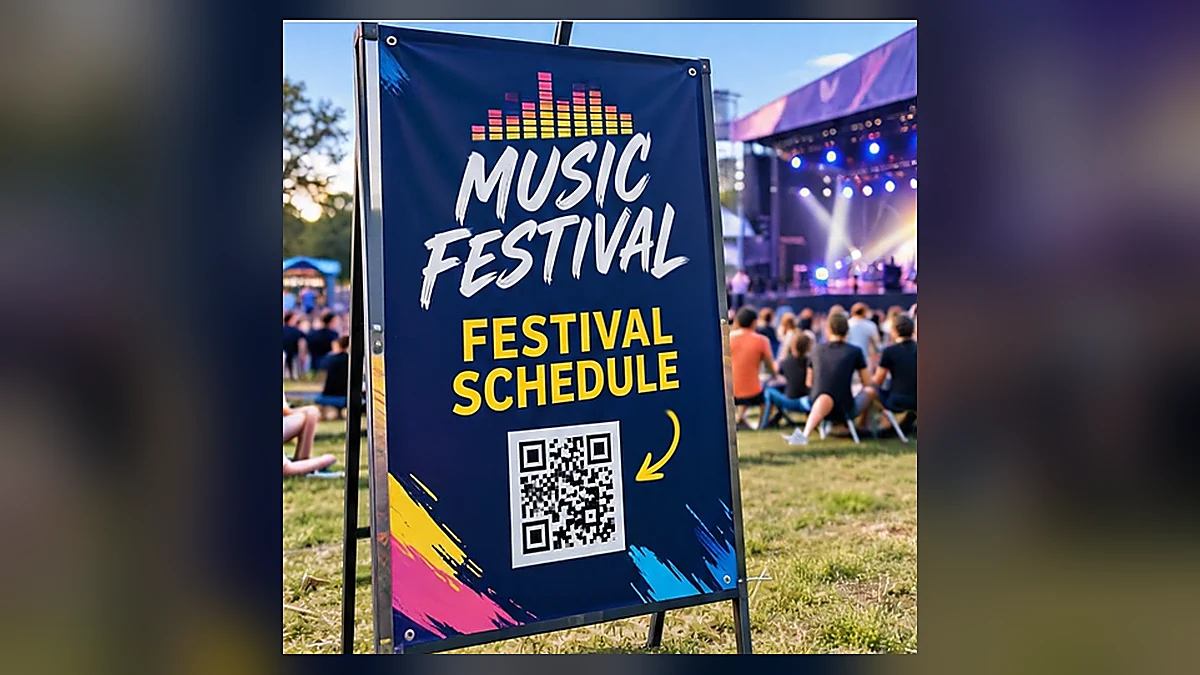
A festival QR that opens set times, venue maps and live schedule changes.
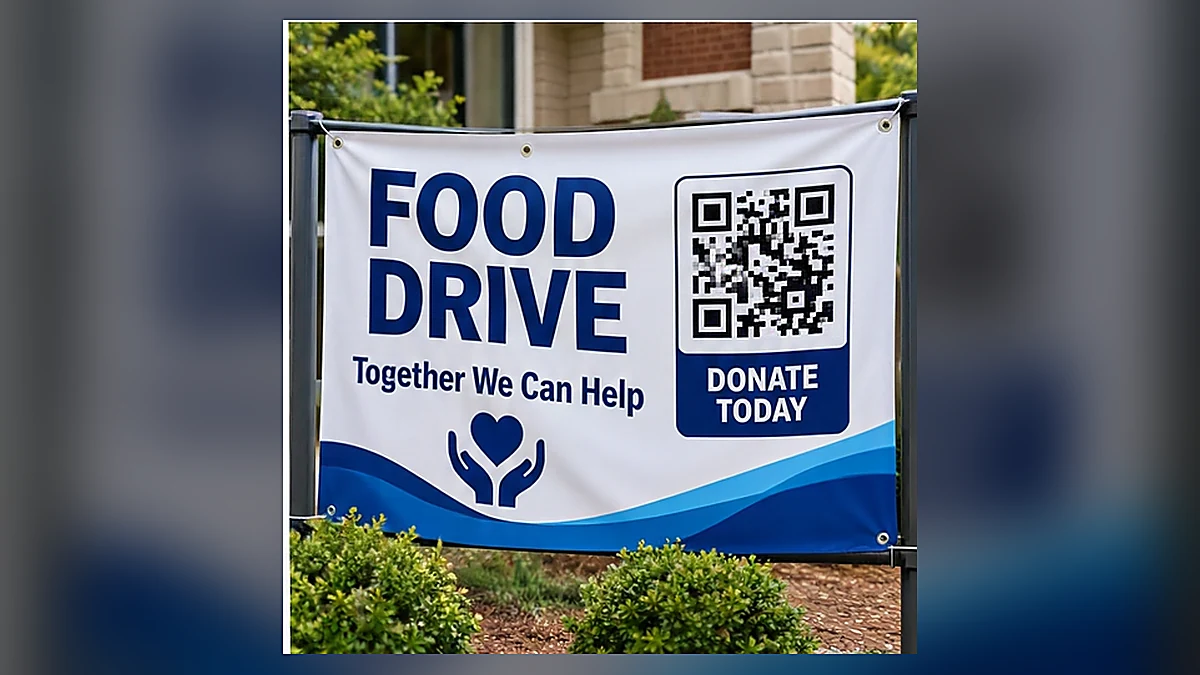
A booth or event banner QR that takes donors directly to the giving page.
Guest access, identification, manuals and important instructions placed exactly where people need them.
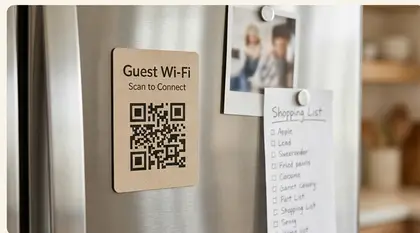
A fridge magnet or welcome card that lets guests join Wi-Fi fast.
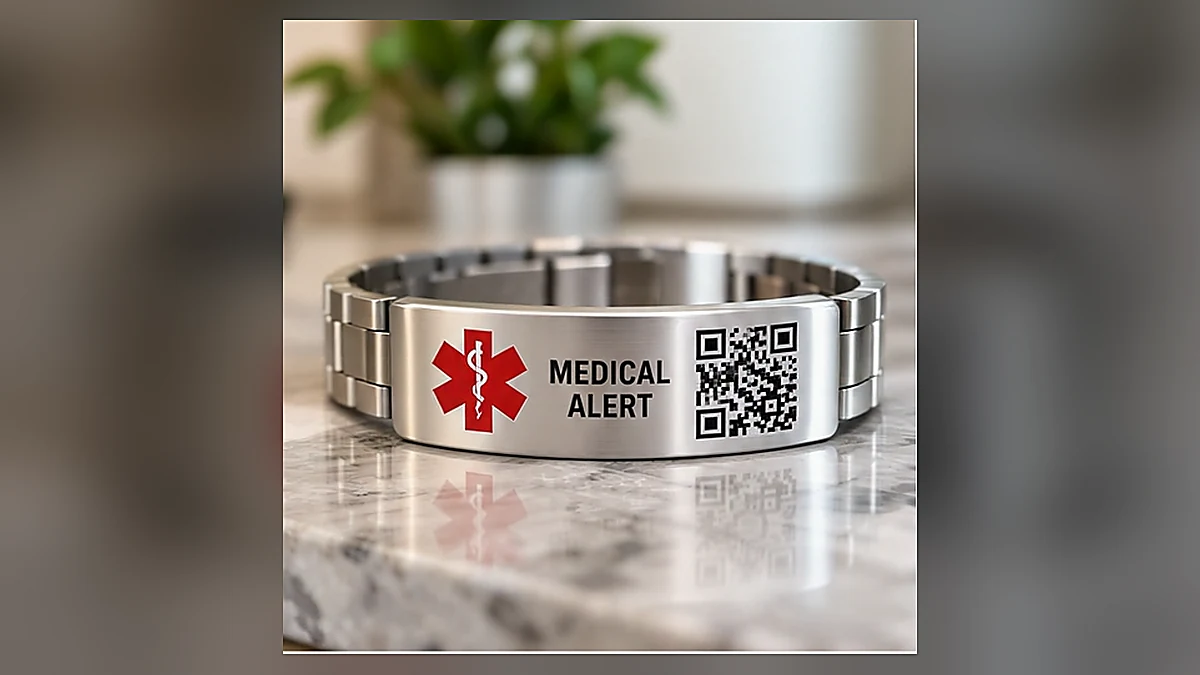
A wearable or card QR that opens emergency contacts and care instructions.
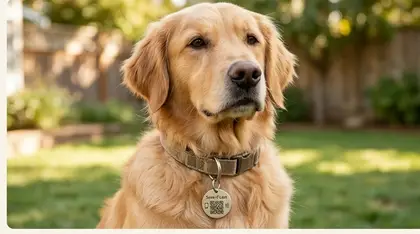
A pet-collar QR that gets a finder to the owner quickly.
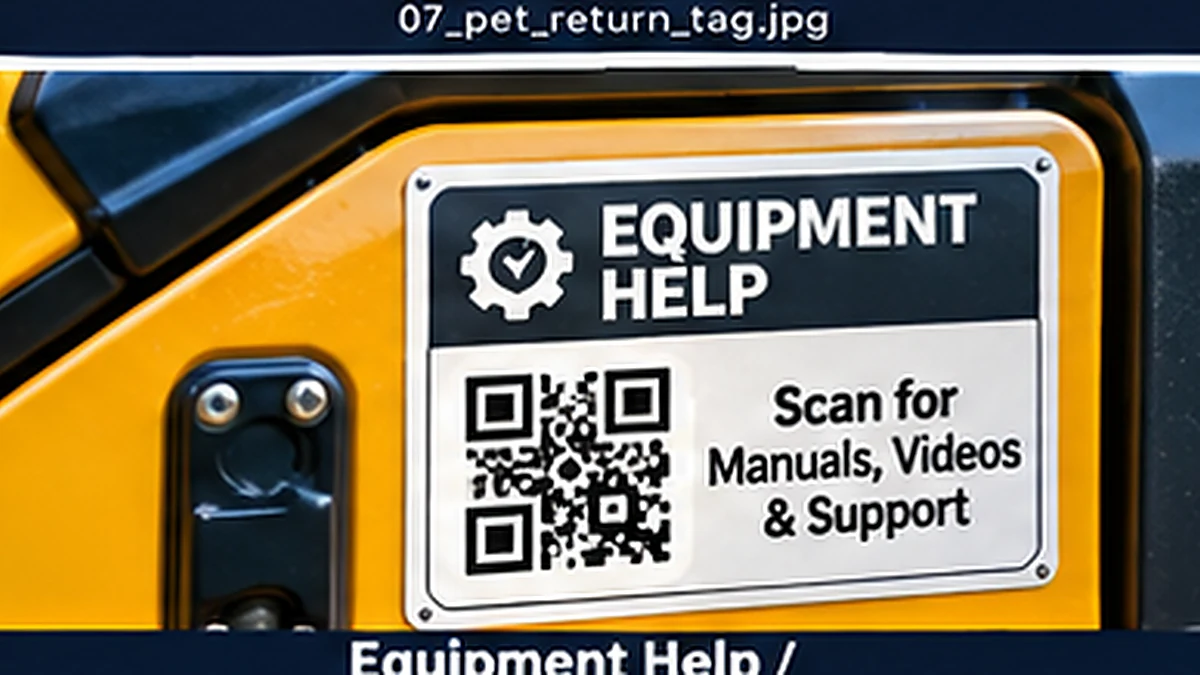
A machine or appliance QR that opens manuals, warranty or maintenance steps.
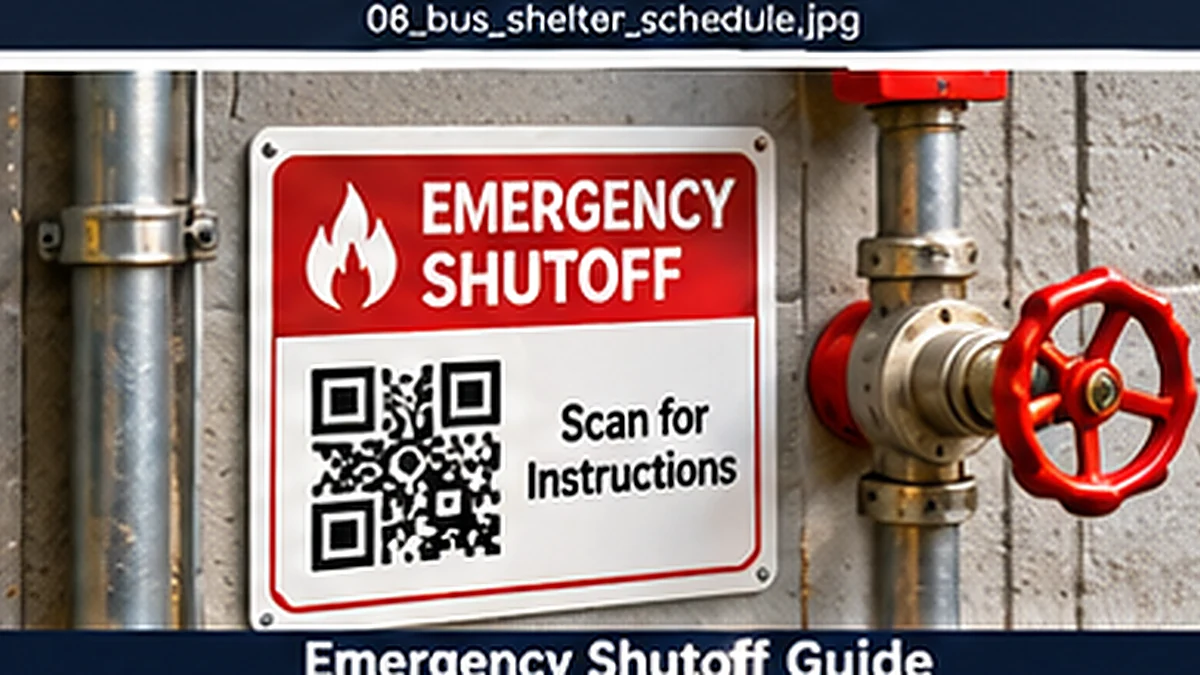
A safety sticker QR that opens the exact shutoff or emergency procedure.
Resources, workplace signage, reviews and promotions that connect print to the next digital step.
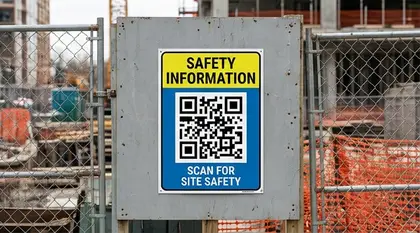
A site-board QR for orientation, hazard notices and current safety instructions.

A handout QR that opens assignments, files, forms or course resources.
A sign or handout QR for a virtual tour, application or directions.
A thank-you card QR that opens the business review page immediately.
A flyer QR that turns print into a trackable landing page or special offer.
My Codes keeps the QR, its name, type and destination together. The colored type tab helps you spot the right one.
Open My Codes and search by name or type. Scan milestones shows which of your tracked codes have reached their first, 10th or 100th scan.
Check the QR preview and its destination. Earned scan milestones appear here and in your private Alerts.
For a managed Dynamic QR, edit the supported destination or landing-page content. A direct static Wi-Fi QR stores its network details inside the code.
The managed QR link stays the same. Preview the new experience, export a copy or pause the code when needed.
Static codes can be renamed, previewed, duplicated and exported. Changing their encoded content requires a new QR.
Make a quick static QR and download it without setting up an account, where supported.
Keep supported codes in My Codes, find them again and access the features included with your plan.
Change destinations and review scan activity when the connected service and your plan support it.
See where and when your managed QR codes get scanned. Choose a campaign and date range, explore approximate locations, and compare activity over time.
Select a plotted area to see its campaigns and sample scan counts.
Compare periods, see new and returning visitors, and find the strongest campaign or scanning time.
Every recorded scan in the period, including repeat scans.
Distinct estimated visitors, counted once within the selected campaigns and period.
Visitors whose first recorded workspace scan falls within the selected period.
Visitors who scanned in the period and had a recorded workspace scan before it.
Unique visitors does not mean new visitors. Locations are approximate, and scans are not confirmed calls, leads or sales. Screenshots show sample data.
In the early 1990s, some workers in Japanese factories scanned as many as a thousand barcodes a day. They asked DENSO engineer Masahiro Hara for a faster scanner. He and one colleague took a different question to the drawing board. What if a parts label needed just one scan?

Black and white stones on a Go board suggested a way to use the whole square. A code that held data across and down could fit parts information and Japanese characters on one label. The team still had a puzzle to solve. How would a scanner find their grid on a box already covered in print?
The engineers studied magazines, flyers and cartons for a pattern that hardly ever appeared. Run your eye across the middle of a QR corner. The widths go dark, light, dark, light, dark in a 1 : 1 : 3 : 1 : 1 rhythm. When a reader spots it in three corners, it can work out which way the label is turned.
DENSO introduced the Quick Response code in 1994 and made its specifications publicly available. It became an international standard in 2000. By 2002, people in Japan could point a phone at one to open a website or collect a coupon. Try turning your next menu sideways. Your camera still finds those same three corners.
Alongside your link, the grid carries extra information. A reader uses Reed–Solomon error correction to reconstruct some damaged data. That’s how a worn menu can still take a guest to tonight’s specials.
The percentages describe units of encoded data. Where damage lands matters. A small mark over a finder square can stop the scan even when most of the artwork is intact.
More recovery adds data and can make the grid denser. If you add a logo, keep it modest and test the finished artwork.
A printer builds each QR module from dots. DENSO WAVE recommends at least four printer dots per module for stable printing. A phone still needs to resolve those squares at the intended distance.
| Printer | 4 dots | 5 dots | 6 dots |
|---|---|---|---|
| 600 dpi laser | 0.17 | 0.21 | 0.25 |
| 360 dpi laser | 0.28 | 0.35 | 0.42 |
| 300 dpi thermal | 0.33 | 0.42 | 0.50 |
| 200 dpi thermal | 0.50 | 0.63 | 0.75 |
For a sign viewed from 10 feet away, a QR roughly 1 foot wide is a starting point for a test print. Scan it from the actual viewing spot before ordering the full run.
Make a guest Wi-Fi card for a frame, a menu for a table or a flyer for an open house. Choose the size that fits your paper or holder. For a larger outdoor sign, give your local print shop the QR artwork from Export Center.
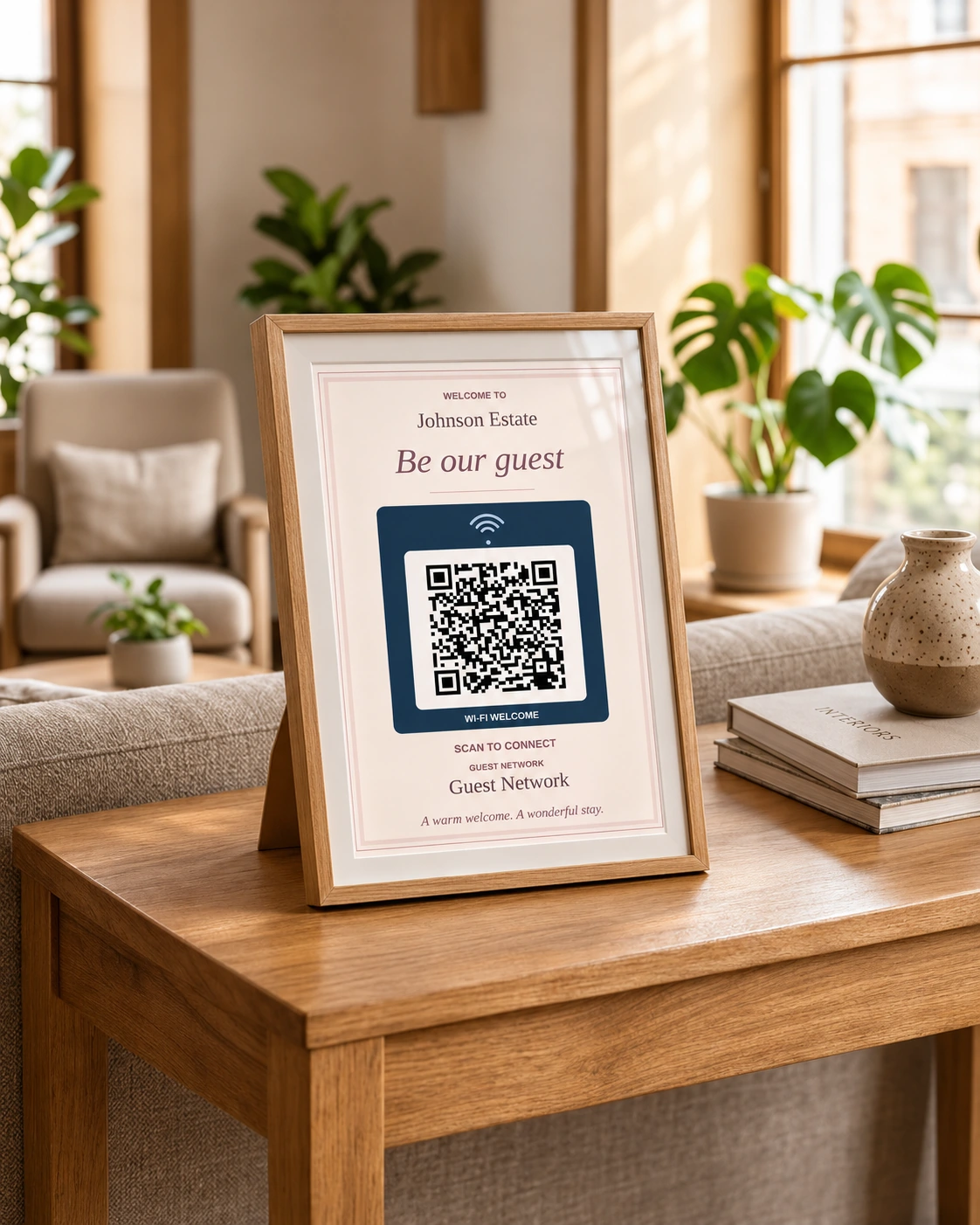
A friendly connection for guests, customers and visitors. Start with a Wi-Fi code; a calm welcome card or café design gives it a home. Printed passwords stay optional.
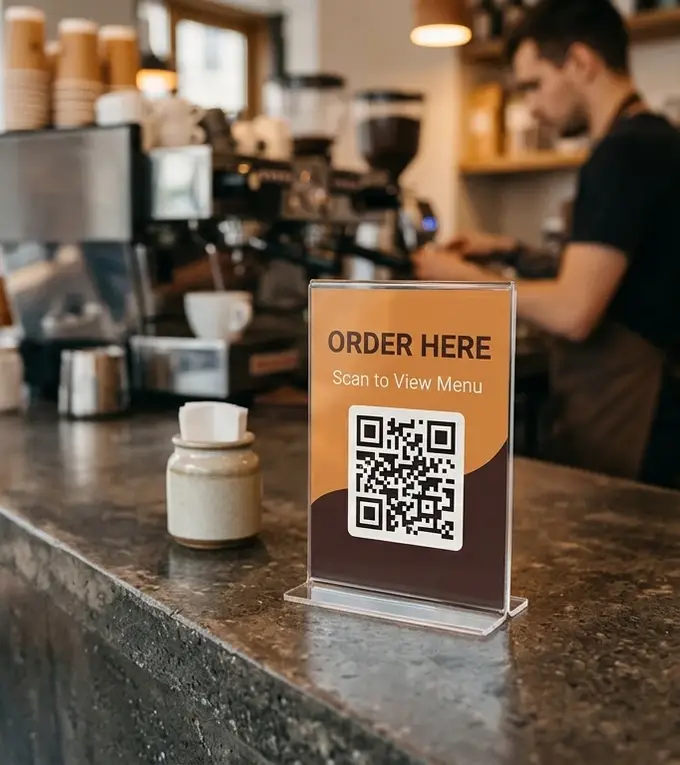
Let your food set the mood. Choose a menu design, add your dishes and prices, and use a stock photo or your own. The QR can open your full menu or ordering page.
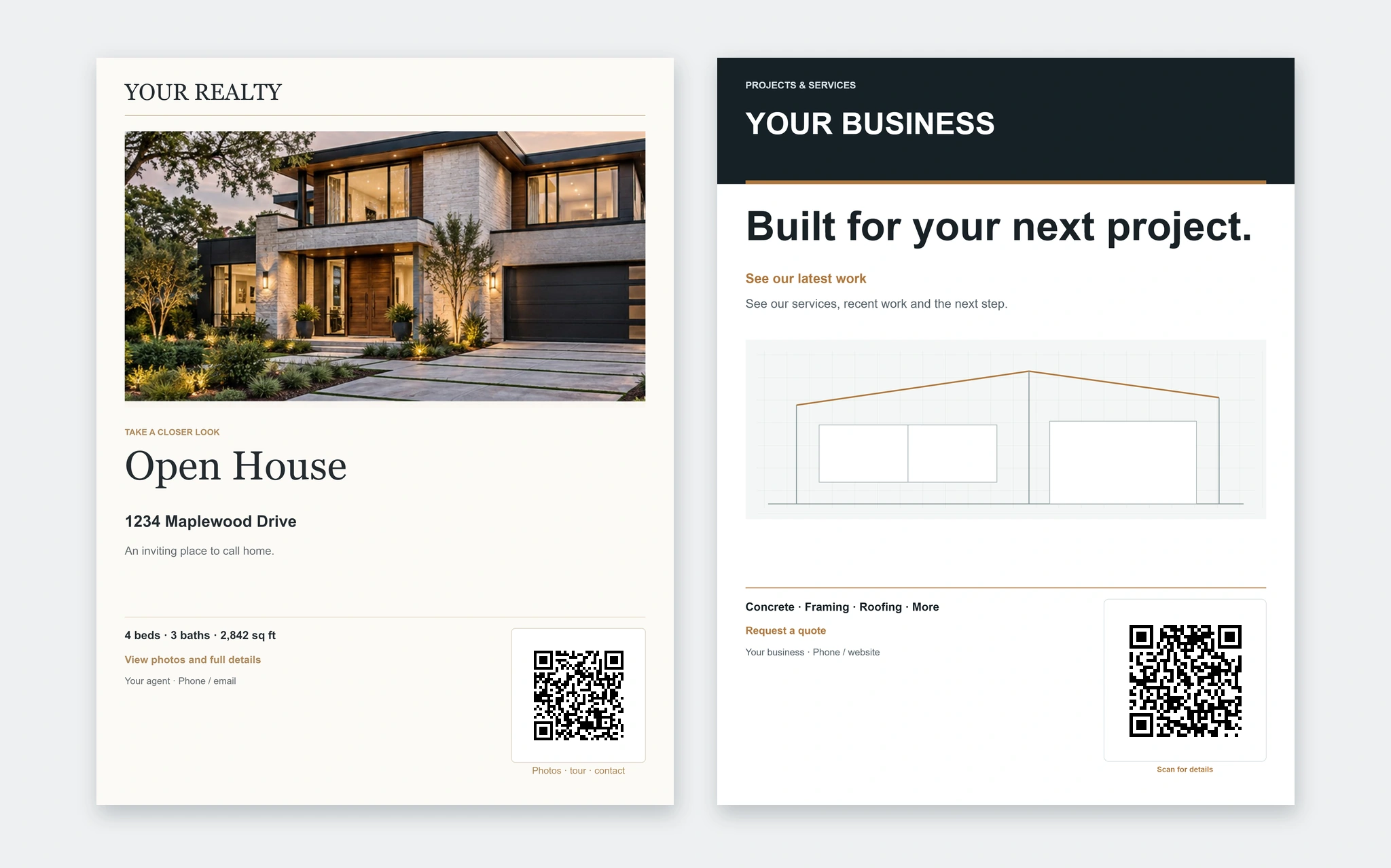
Hand visitors a listing flyer at an open house, or leave a project flyer after an estimate. Add your photo, contact details and a QR for the tour or quote request.
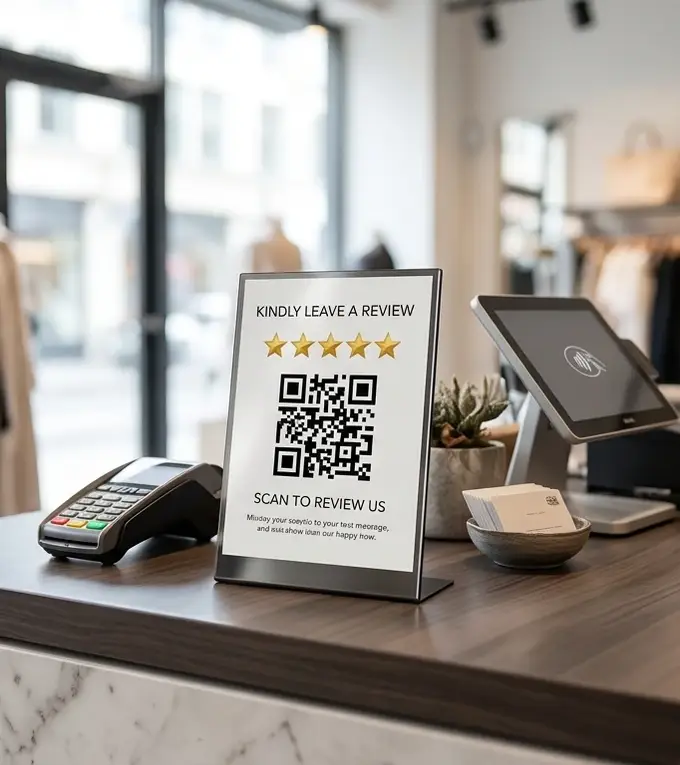
Invite a review, share a business link or present a payment destination. Your logo and a short message give the code context. A payment QR opens its saved link; it does not process a payment itself.
Guest Wi-Fi, menus, property or counter signs.
Choose a style and finished size for your placement.
Select a saved code or upload QR artwork. Its destination stays unchanged.
Add your wording, colors and an optional photo or logo.
Confirm the wording, clear QR border and selected size.
Use Actual size for PDF, check one print, then place it in your matching frame or holder.
Choose the original soft-pink Estate welcome design in Print Studio. Add your name and select your real Wi-Fi QR from My Codes. The printed QR is your own, not the sample shown in this photograph. The guest password appears only if you choose to include it.
Display idea: This photo shows the print in a tabletop frame. Choose the available print size that fits your display, print at 100% / Actual size, and test-scan the finished QR.
A rough starting point is one unit of QR width for every ten units of distance. Lighting, camera, data density and materials all change the result. This is a guide, not a guaranteed scan range.
PNG: codes made here download at 2,048 pixels wide, including the frame and clear border. Ready for posts and your printer’s label template. Uploaded images keep their available detail; the export button shows their actual pixel width.
SVG: resize the vector QR pattern for larger artwork without blurring it. Uploaded photos and logos keep their original detail.
Print / Save PDF: opens your device’s print dialog for one QR. Choose a printer or Save as PDF when your device supports it, then set paper and scale there.
Print Studio PDF: a prepared design at the finished size you select. Print it at Actual size / 100%, with matching paper or a display holder. For several individual artwork files, use Batch Studio to download one ZIP.
Ask for the shop’s artwork requirements. SVG keeps the QR pattern sharp when enlarged. If the shop wants a PNG, give them the original download and tell them the finished size. For a Print Studio PDF, print at Actual size and check one copy in the holder.
Set the black QR on a white square with a clear border on every side. Carry your brand color in the frame or caption. Test the print where it will be displayed, especially behind glass or under bright lights.
Have someone try the finished piece on an iPhone and an Android phone if both are available. Ask them to complete the advertised action. A camera reading the code is the first check. Seeing the right menu, contact or event is the second.
Open tonight’s menu, share the guest Wi-Fi or put an event on someone’s calendar. Pick one thing your audience came to do and build that code.
QR history and print guidance draw on DENSO WAVE and the Japan Automotive Hall of Fame. QR symbology is specified in ISO/IEC 18004.
0 total QR scans
Template previews do not count.
Including repeat scans
Each visitor counted once in this selection.
Tap an area to see the QR campaigns behind it.
Loading the map…
Regional estimates, not exact visitor locations. Points show sample activity.
Tap the chart or use the day slider to explore daily totals. Scans show activity, not confirmed calls, leads or sales.
First recorded workspace visit in this period.
Visited before this period and came back.
New + returning = estimated unique visitors. Visitors are estimates, not identified people.
All activity shown here is sample data. Real reporting requires the backend connection.
Your QR, beautifully placed. Create guest Wi-Fi cards, menus, stickers and counter displays.
PNG, JPG or WebP. Use a sharp, uncropped QR. Uploaded codes keep their existing destination.
Repeat one code or mix different codes. Quantities are printed in the order shown.
These fields change the printed wording only. They do not change the QR. Choose a matching Wi-Fi code, or first.
Use a stock photo or add your own. The image fills the menu cover.
Your QR's destination and saved design stay unchanged. Your print draft is saved on this browser.
Dynamic codes open a local preview until publishing is available. Create a Static QR for a scan-ready print.
This is your actual print layout. Tap it for a closer view.
Print at 100% / Actual size. Turn off “Fit to page” and browser headers and footers. Match the paper size to your chosen format.
Try an alignment sheet on plain paper first, then hold it against your label sheet. Printer feed and scaling can vary.
QR artwork is rendered at high resolution. Check one actual-size print before a full run.
Choose one or mix a few.
Create a useful flat sign, menu or flyer with your QR.
Use your own paper, frame or counter holder.